
What Skycap does
A flight tracker that tells you what to do: when to leave, what the ride will be like, where to go, and when you will be outside.
Get Skycap on TestFlight
In beta for iPhone, iPad and Mac.

Know when to leave, and what the ride will be like.
- A leave-by time that adds your drive, security at that hour, bag drop and boarding, and moves when the flight slips.
- A turbulence forecast in plain words the night before.
- The reason for a delay, including where your plane is coming from.
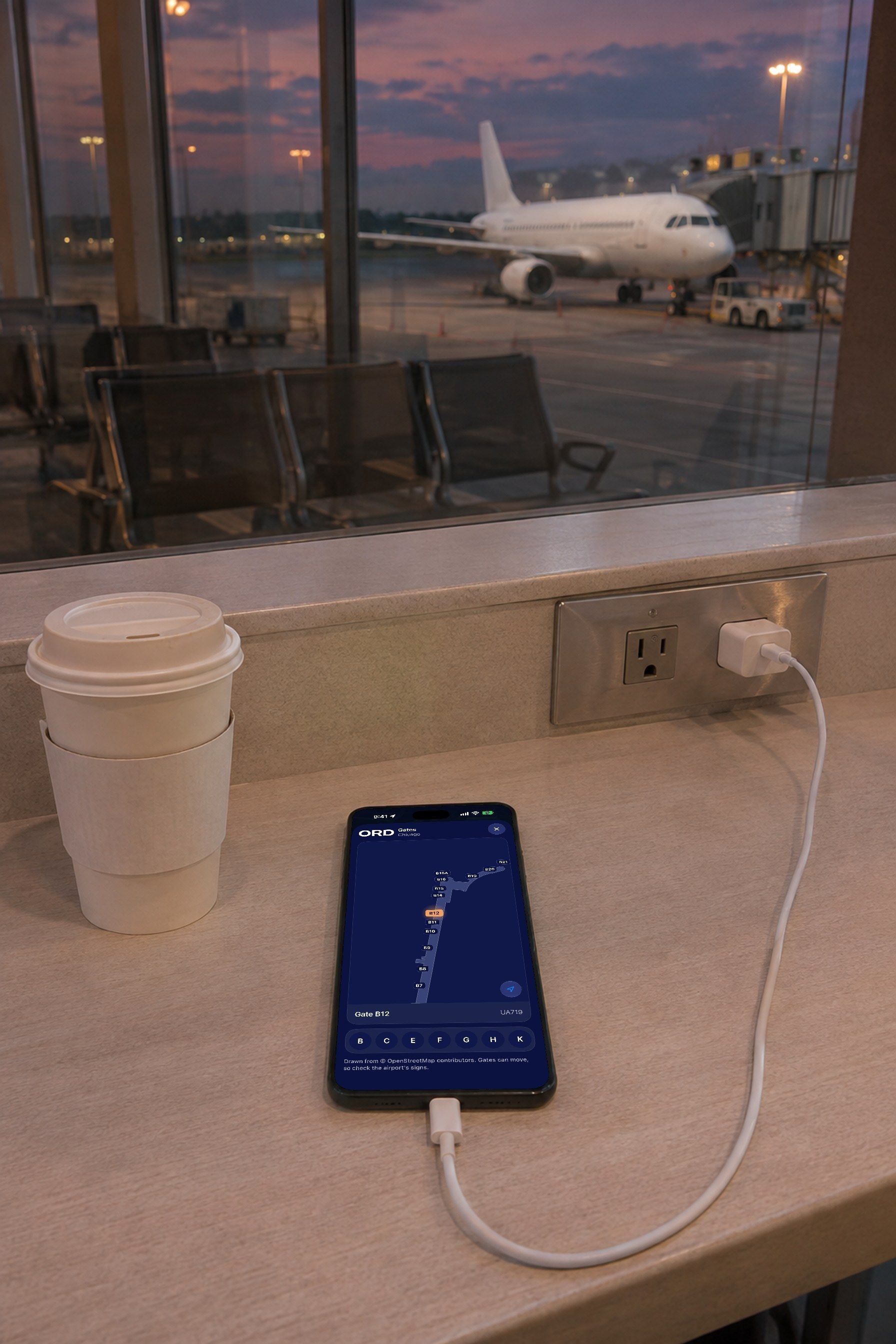
Find your gate and make your connection.
- A map of the terminal with every gate named and yours marked.
- Connection time counted for you, including passport control and security.
- The flight on your Lock Screen and Dynamic Island until you land.
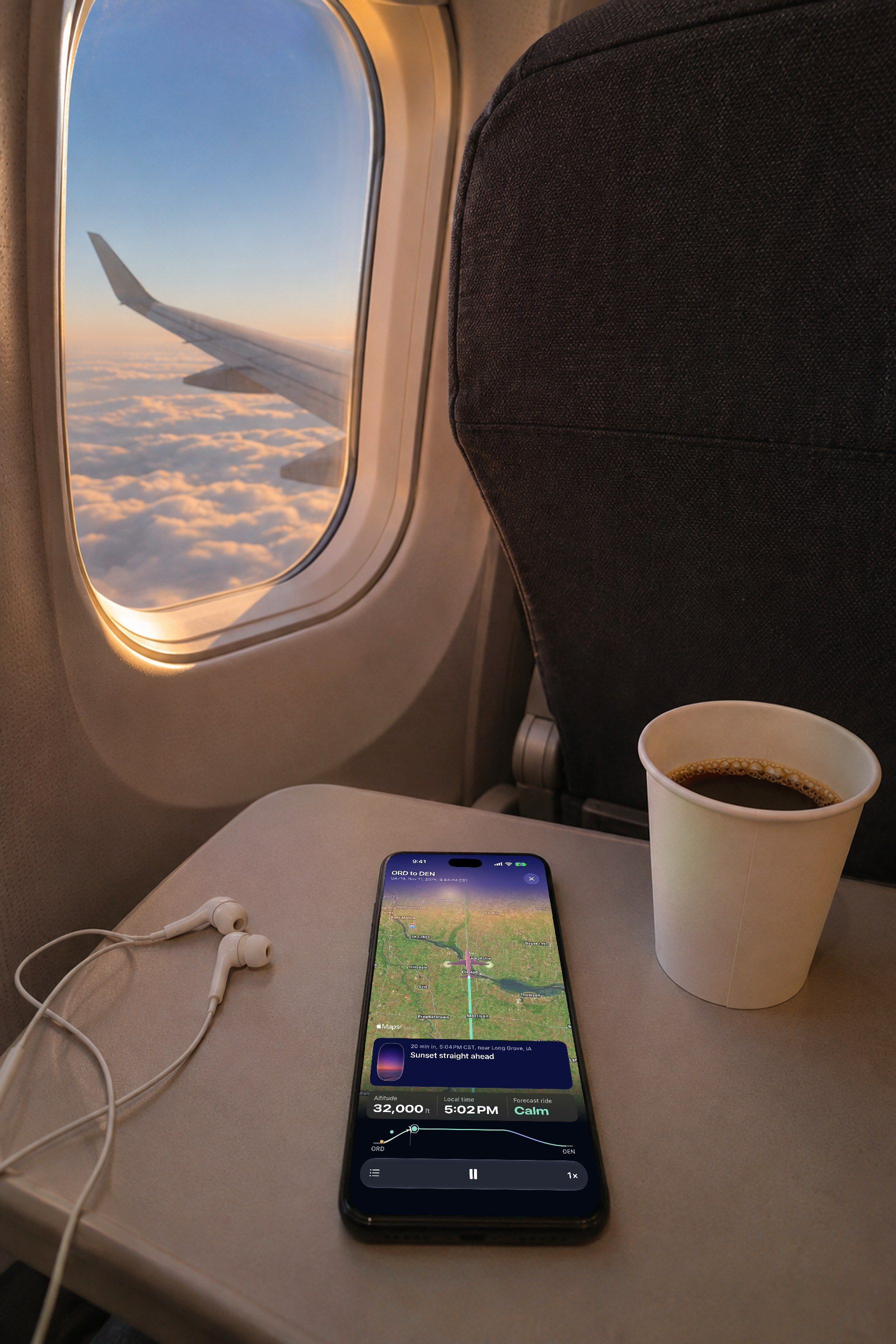
Follow the flight from your seat.
- A moving map of where you are, with what is out the window marked by side.
- The ride ahead drawn as calm, typical or bumpier.
- Which side gets the sunset, and when to look.
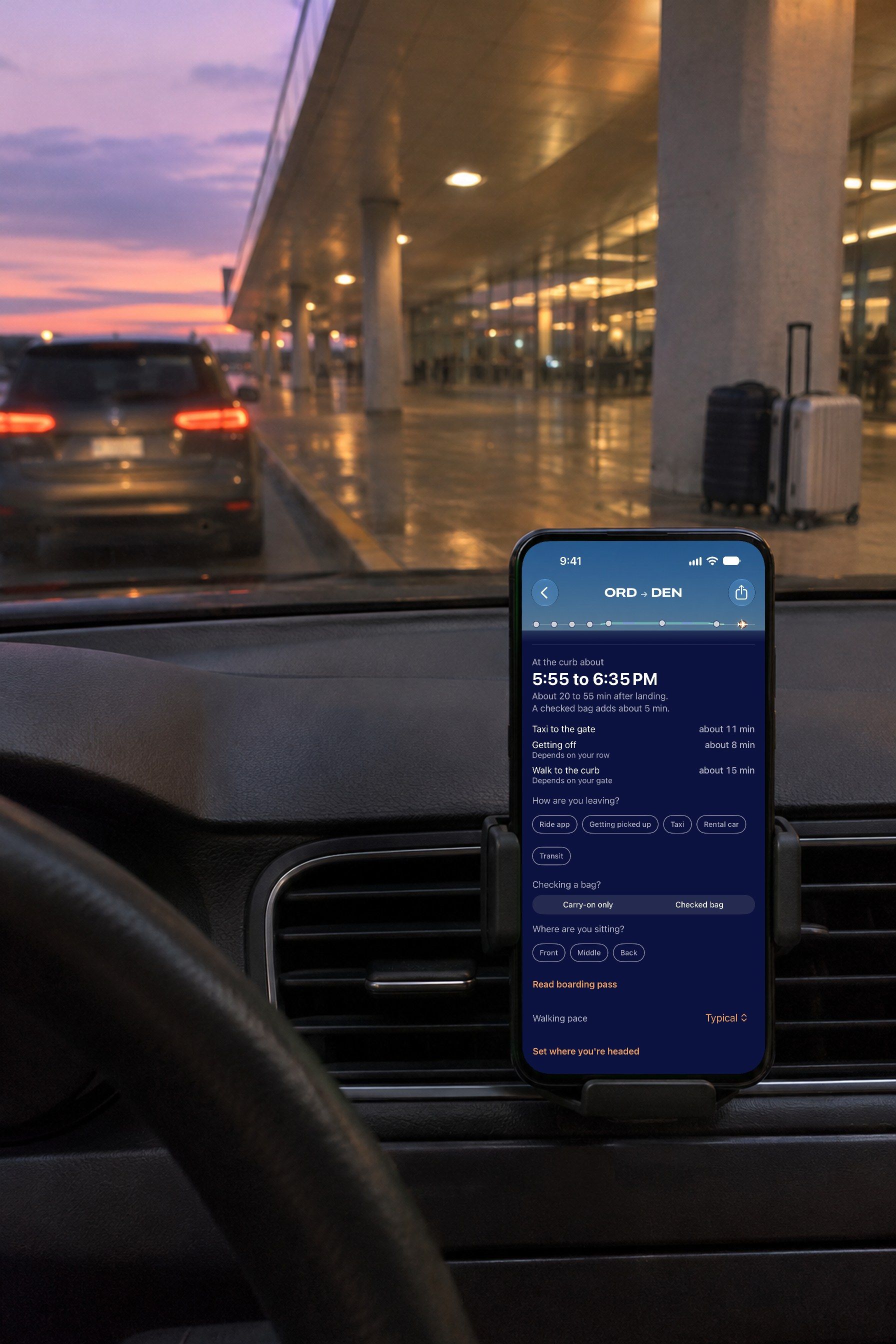
Know when you will be at the curb.
- Landing time plus the taxi in, getting off from your row and the walk out.
- A link for whoever is picking you up: no account, no app, and it says when they should leave.
- Bag belts and gates as they are posted.
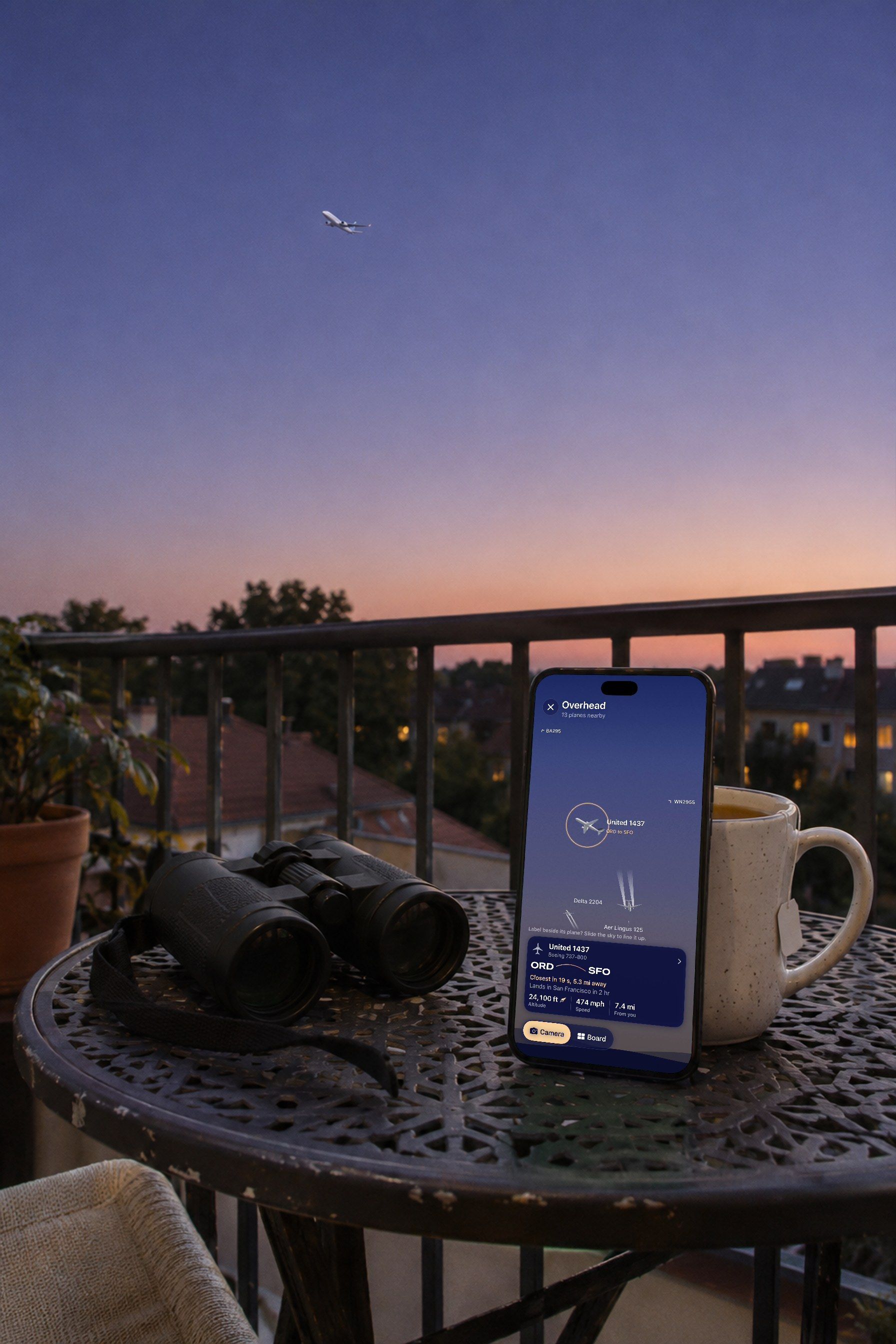
Identify any plane flying overhead.
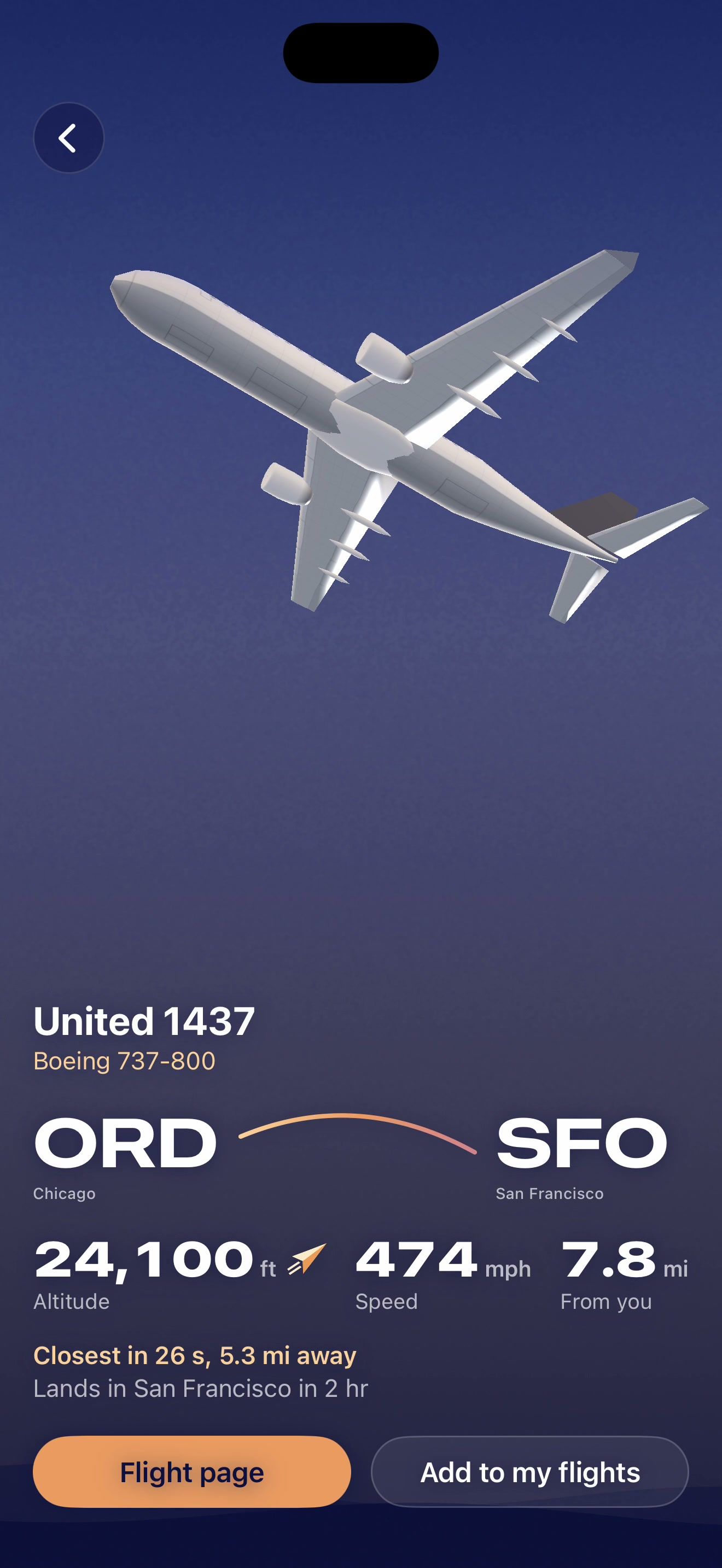
- Point your phone at the sky: every plane is named with its flight, type, route and altitude.
- Tap one to see it up close and where it is going.
- Or read them off a board, sorted by how close they will pass.
See any airport live, in 3D.
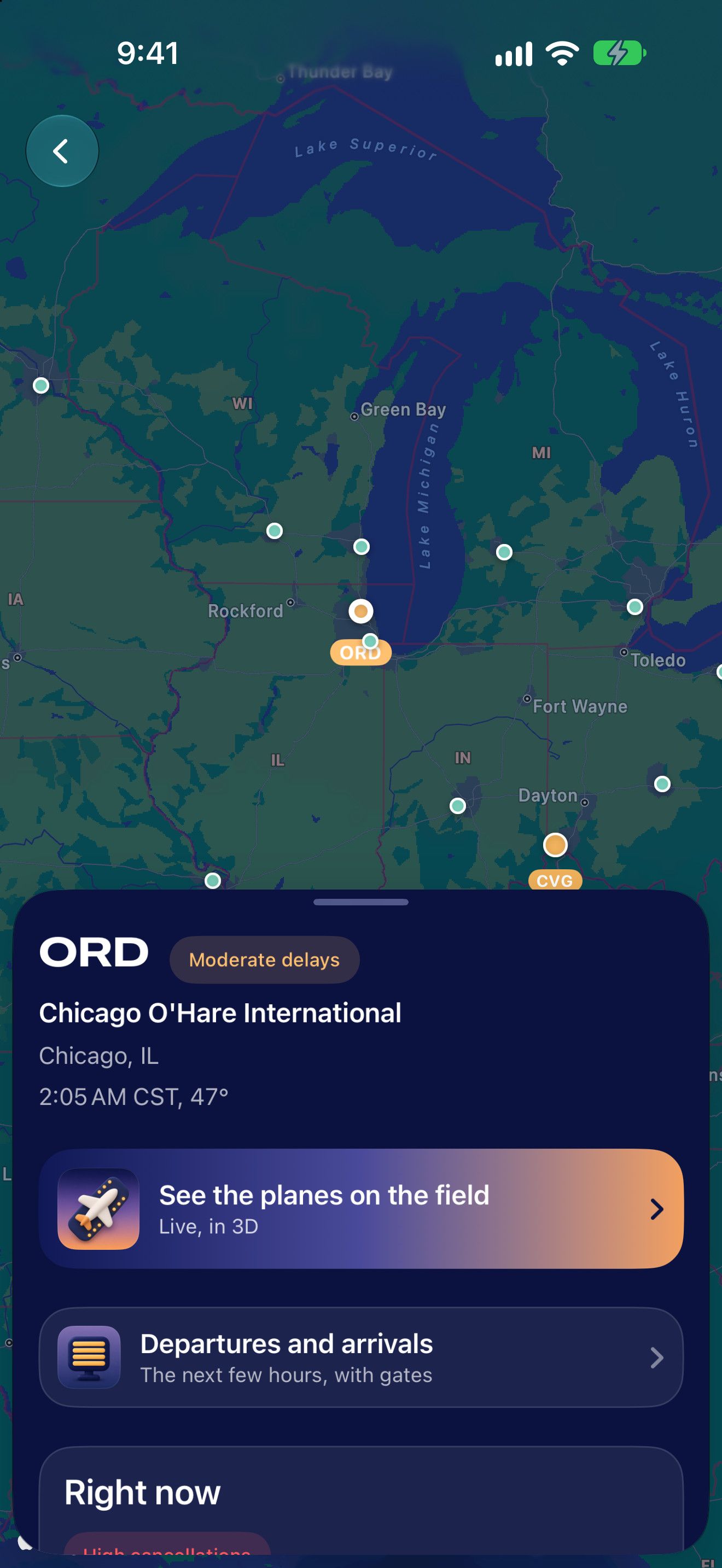
- Terminals, runways and taxiways, with the real planes at their gates, taxiing and in line for takeoff.
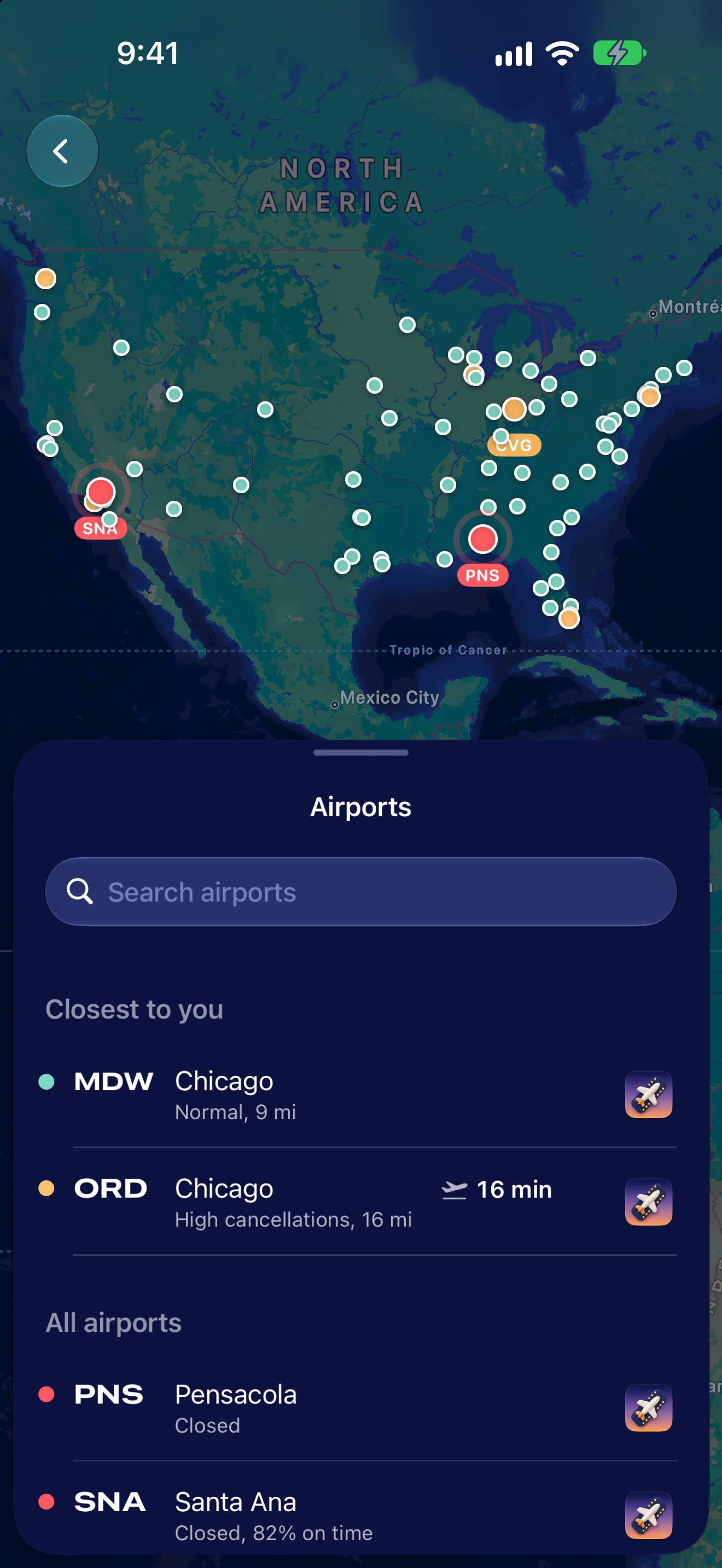
- A map of delays across the country, and a page for every airport with its weather, departures and arrivals.
Common questions
- What is Skycap?
- Skycap is a flight tracker for iPhone, iPad and Mac that says what a flight means for the person taking it: when to leave for the airport, how bumpy the ride should be, why a flight is late, which gate, and when they will be outside at the curb after landing. It also identifies the planes flying overhead and shows any airport live in 3D with the planes on the ground.
- How is Skycap different from other flight trackers?
- Most trackers show a status and where the plane is. Skycap turns that into what to do: a time to leave, how the ride should feel, the reason for a delay, and when you will be at the curb. It also draws the airport and the sky in 3D with the real aircraft in them.
- Does it forecast turbulence?
- Yes. Every flight gets a ride forecast in plain words the night before, and the flight’s profile is coloured calm, typical or bumpier along the route. It is a forecast, not a promise.
- Can it tell me when to leave for the airport?
- Yes. It adds the drive at that hour, typical security time at your airport at that hour, bag drop and boarding into one leave-by time, and moves it if the flight is delayed.
- Can I identify a plane flying over me?
- Yes. Skycap’s Overhead view names each aircraft near you with its flight number, type, route, altitude and distance, by pointing the camera at the sky or on a board.
- Can someone follow my flight without installing the app?
- Yes. You send a link; it opens in a browser with no account, shows when you should land and be at the curb, and tells the person picking you up when to leave.
- Which devices does it run on?
- iPhone, iPad and Mac, with Apple Watch and Apple TV apps, widgets and a Live Activity. It is laid out for iPhone Duo closed, open and standing.
- Does it work outside the United States?
- It tracks flights worldwide by schedule and weather. Live aircraft position, Overhead and the 3D airfield use US airspace data.
- What does it cost?
- Plans and prices are on the Skycap Pro page.
Get Skycap on TestFlight
In beta for iPhone, iPad and Mac.